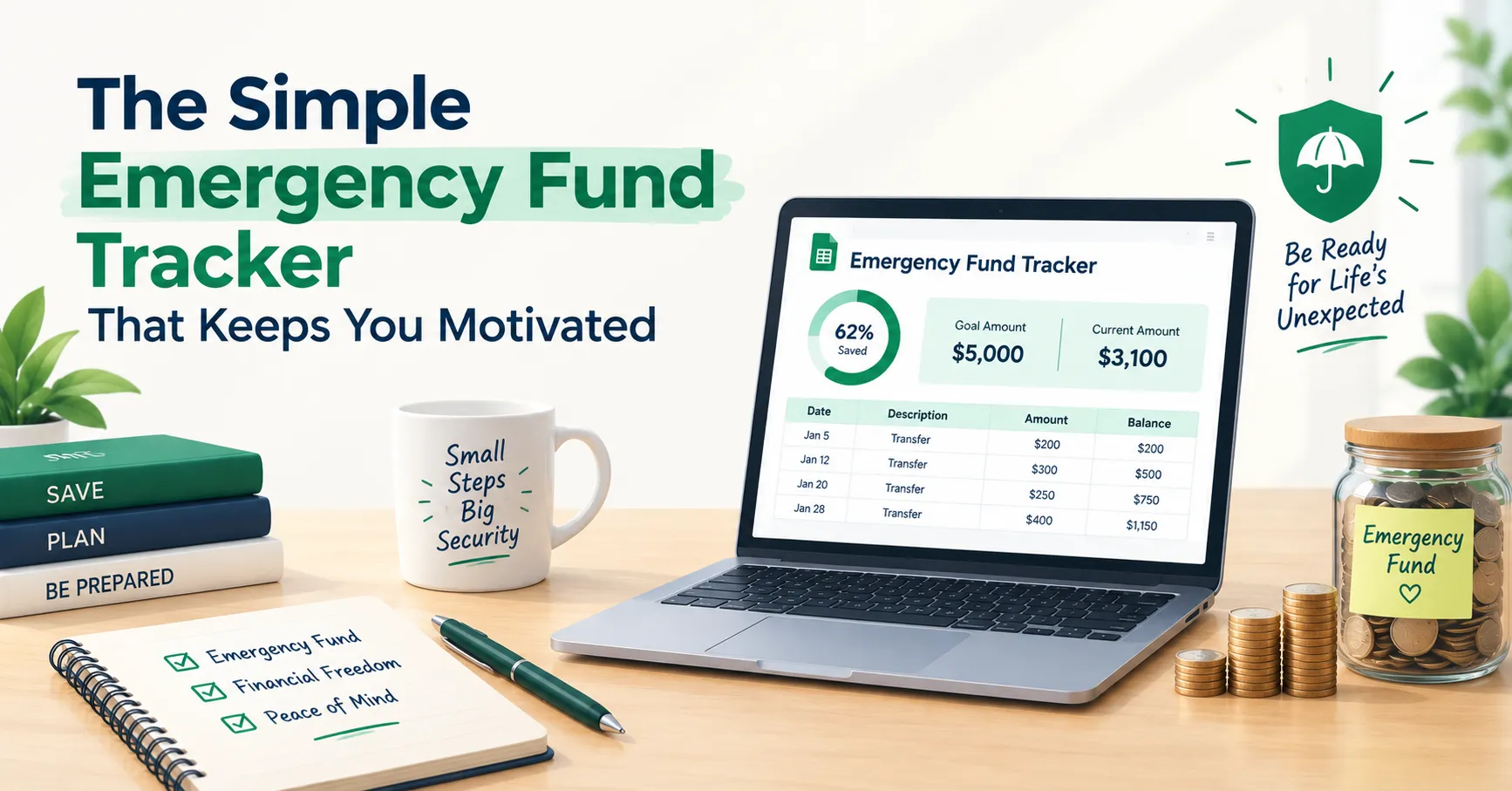
Not knowing whether you have “enough” saved for a rainy day is a stressful place to be. This calculator helps you figure out a realistic emergency fund target based on your actual expenses, see how close you already are, and estimate how long it will take to get there. It’s for anyone building a safety net from scratch or checking whether their current savings are actually enough.
Emergency Fund Calculator
Find your target emergency fund and how long it will take to get there.
Rent, food, utilities, insurance, minimum debt payments.
Leave blank to use the dropdown above.
How much you plan to save toward this fund each month.
Current Savings vs. Target
What Is an Emergency Fund Calculator?
An emergency fund calculator estimates how much money you should have set aside to cover essential expenses if your income stopped unexpectedly, and how long it will take to reach that amount based on your current savings and monthly contributions.
The basic idea is to multiply your essential monthly expenses (things like rent, food, utilities, insurance, and minimum debt payments) by a chosen number of months of coverage, commonly 3 to 12 months depending on your situation. From there, the calculator compares your current savings to that target and estimates your timeline to close the gap.
This gives you a concrete number to work toward instead of a vague sense that you “should probably save more.”
How to Use This Calculator
- Enter your monthly essential expenses. Include only the necessities: rent or mortgage, groceries, utilities, insurance, transportation, and minimum debt payments.
- Choose your months of coverage. Select 3, 6, 9, or 12 months from the dropdown, based on how much of a cushion feels right for your job stability and personal comfort.
- Enter your current emergency savings. This is what you already have set aside specifically for emergencies.
- Optional: use a custom number of months. Under advanced options, you can override the dropdown with a specific number if none of the presets fit your situation.
- Optional: enter your monthly contribution. This is how much you plan to add to your emergency fund each month going forward.
- Click “Calculate Emergency Fund.”
- Review your results. You’ll see your target fund amount, how much more you still need, your estimated time to reach the goal, a progress bar showing how far along you are, and a chart comparing your current savings to your target.
These numbers are estimates based on the expenses and contribution amount you enter, so update them any time your budget changes.
Why This Matters
An emergency fund is what stands between an unexpected expense and going into debt to cover it. A car repair, a medical bill, or a period of reduced income can derail even a solid budget if there’s nothing set aside to absorb the shock.
How many months of coverage you actually need depends on your circumstances. Someone with a stable salaried job and a partner’s income to fall back on might feel comfortable with 3 months. Someone who is self-employed, freelances, or is the sole income earner in their household might feel safer with 9 to 12 months. There’s no single right answer, which is why this calculator lets you choose your own coverage target.
Building this fund takes time, and that’s normal. The goal isn’t to get there overnight, but to have a clear, realistic plan and steady progress.
Tips to Get the Most Out of Your Emergency Fund Plan
Automate your monthly contribution. Setting up an automatic transfer, even a small one, removes the temptation to skip a month and keeps your progress consistent.
Keep the fund separate from everyday spending. A dedicated savings account that isn’t linked to your debit card makes it much less tempting to dip into for non-emergencies.
Recalculate when your expenses change. A rent increase, a new bill, or a change in income means your target fund amount should be revisited. Re-run the calculator whenever your monthly essentials shift.
Common Mistakes to Avoid
Including non-essential expenses in the calculation. Your emergency fund target should be based on true necessities, not your full lifestyle spending. Overestimating can make the goal feel unreachable; underestimating can leave you short when it matters.
Treating the emergency fund as flexible spending money. Using this account for planned expenses like holidays or upgrades defeats its purpose. It’s meant specifically for genuine, unplanned needs.
Setting an unrealistic monthly contribution. Entering a contribution amount you can’t actually sustain will give you a timeline that doesn’t match reality. It’s better to enter a modest, consistent number and increase it later if you can.
Frequently Asked Questions
How many months of expenses should I save?
Most guidance suggests 3 to 6 months of essential expenses, though some people prefer up to 12 months for extra security, especially with variable income. Choose the number that matches your job stability and comfort level.
What counts as an “essential expense” for this calculator?
Essentials typically include housing, utilities, groceries, insurance, transportation, and minimum debt payments — the costs you’d still have to cover even without income. Discretionary spending like entertainment or dining out usually isn’t included.
What if I don’t have any emergency savings yet?
That’s completely fine. Leave the current savings field at zero and enter a monthly contribution you can realistically commit to. The calculator will show your estimated timeline from a starting point of zero.
Should I pay off debt or build an emergency fund first?
Many people work on both at once, often with a smaller starter emergency fund first before ramping up debt payoff, then building the fund further afterward. There’s no universal rule, and it depends on your interest rates and comfort with risk.
Can I change my coverage target later?
Yes. You can revisit this calculator anytime and adjust your months of coverage, expenses, or contribution to reflect changes in your life or income.
A Cushion Worth Building
An emergency fund isn’t about expecting the worst, it’s about giving yourself room to handle it without added stress or new debt. Every contribution, no matter how small, moves you closer to that cushion.
For extra support staying consistent, download the free SheetsWell Debt Payoff Tracker, and join the SheetsWell email list for more practical budgeting and savings resources.