Carrying a credit card balance can feel like it’s never going to end, especially when interest keeps piling on. This calculator shows you how long it will realistically take to pay off a single card, and how much of your payment is actually going toward interest instead of your balance. It’s built for anyone who wants a clear, honest picture before committing to a payoff plan.
Credit Card Payoff Calculator
See how long it will take to clear a card balance, and how much interest you'll pay along the way.
What you plan to pay toward this card each month.
Added on top of your monthly payment above.
Applied in month 1 only (e.g. a bonus or tax refund).
Balance Over Time
What Is a Credit Card Payoff Calculator?
A credit card payoff calculator estimates how long it will take to clear a card balance based on your APR and how much you pay each month.
The basic idea is simple: your payment is split between interest charges and your actual balance. The higher your APR, the more of each payment goes toward interest, especially early on. This calculator runs the math for you so you can see your real payoff timeline and total interest cost, not just guess at it.
It also lets you test “what if” scenarios, like adding extra payments, so you can see how much faster you could pay off the card with a bit more effort each month.
How to Use This Calculator
- Enter your card balance. Use the current balance shown on your latest statement.
- Enter your APR. This is your card’s annual interest rate, also found on your statement.
- Enter your planned monthly payment. This is what you intend to pay toward this card each month, minimum or more.
- Optional: add extra payments. Under the advanced options, you can add an ongoing extra monthly payment on top of your regular payment, plus a one-time extra payment applied in the first month (like a bonus or refund).
- Click “Calculate Payoff.”
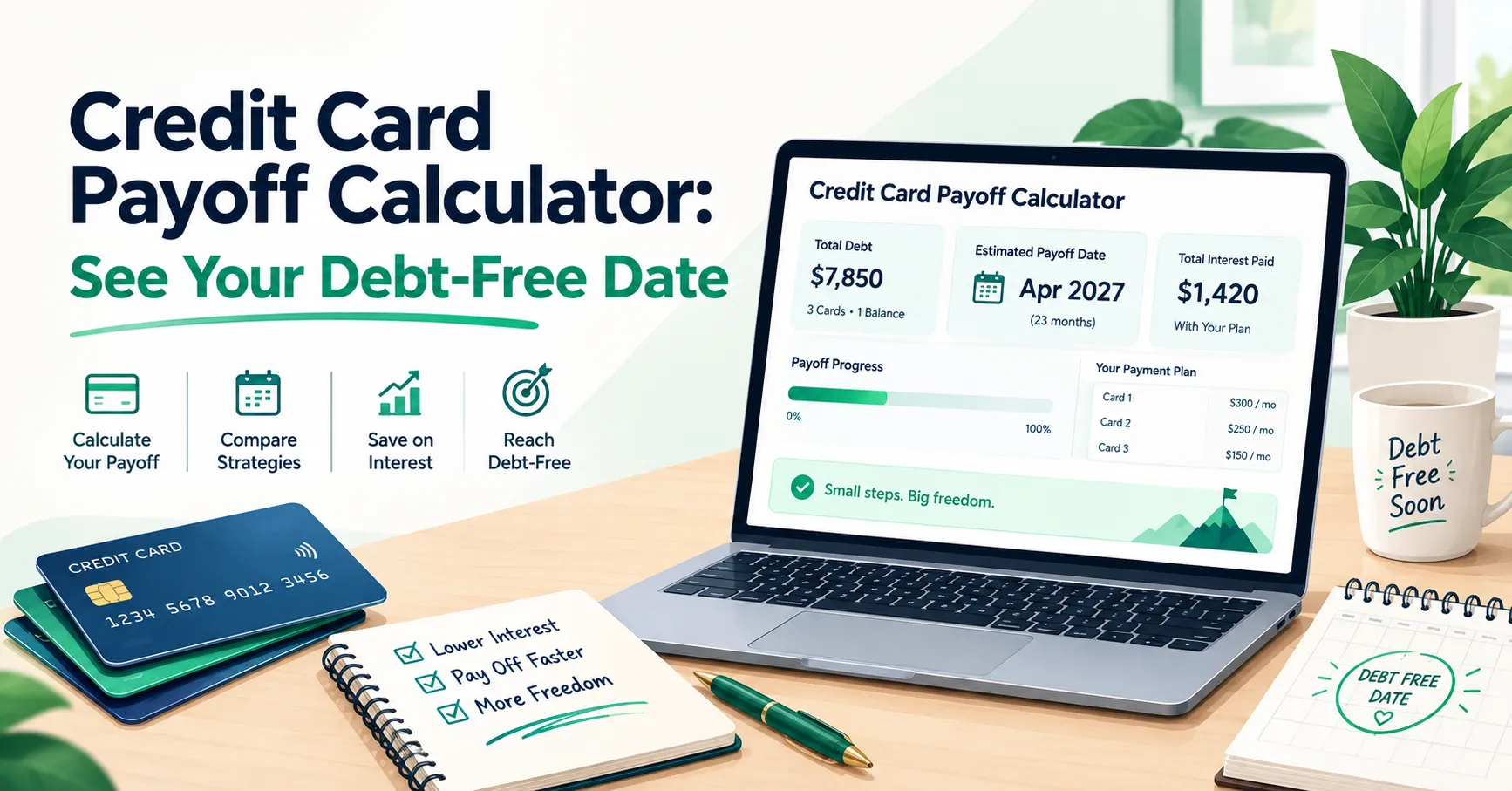
- Review your results. You’ll see your estimated debt-free date, payoff timeline, total interest paid, and total amount paid over the life of the balance, along with a chart showing your balance decline over time.
These results are estimates based on the numbers you enter. If your APR changes or you miss a payment, your actual payoff timeline may differ.
Why This Matters
Credit card interest can quietly cost you far more than the original purchase, especially at rates above 20%. Seeing the actual dollar amount of interest you’d pay over time — rather than just the monthly payment — can be a wake-up call that motivates bigger payments.
At the same time, it’s not about guilt. Life happens, and sometimes the minimum payment is genuinely what you can afford right now. This calculator isn’t here to judge your situation, just to show you the numbers clearly so you can make an informed decision about what to prioritize.
Even small increases to your monthly payment can meaningfully shorten your payoff time and reduce total interest, which is worth testing out here before committing.
Tips to Get the Most Out of Your Credit Card Payoff Plan
Pay more than the minimum whenever you can. Even an extra $20–$50 a month can shave real time off your payoff date. Use the extra payment field to see the impact before you commit.
Stop using the card while you’re paying it down. New charges added on top of your existing balance make it much harder to see real progress and can extend your timeline significantly.
Check your APR periodically. Rates can change, especially on variable-rate cards. Re-run the calculator if your rate changes so your plan stays accurate.
Common Mistakes to Avoid
Using an outdated balance or rate. Interest accrues daily on most cards, so an old balance figure can throw off your results. Pull your numbers from your most recent statement.
Forgetting new purchases in the plan. If you’re still using the card for everyday spending, the calculator’s payoff estimate won’t reflect what you actually owe. It’s designed around paying down an existing balance, not an ongoing revolving one.
Assuming the minimum payment alone will get you there quickly. Minimum payments are calculated to keep you in debt longer, since they’re mostly interest early on. Running the numbers here often reveals just how long “minimum only” really takes.
Frequently Asked Questions
How accurate is this credit card payoff calculator?
It’s as accurate as the numbers you enter. Since it uses your actual balance, APR, and payment amount, the estimate closely reflects what you’d see in real life, assuming your rate and payment stay consistent.
What’s the difference between total interest paid and total amount paid?
Total interest paid is just the interest cost added on top of your balance. Total amount paid is your original balance plus that interest — in other words, everything you’ll hand over by the time the card is paid off.
Will adding an extra payment really make a big difference?
It can, especially on high-APR cards. Extra payments go directly toward your balance rather than interest, which shortens your timeline and reduces the total interest calculated for the life of the debt.
Can I use this for more than one credit card at once?
This calculator is built for a single card. If you’re managing several cards and loans together, our Debt Payoff Calculator (Snowball vs. Avalanche) is designed to compare multiple debts side by side.
What if my APR is variable and might change?
Enter your current rate for the most accurate short-term estimate. If your rate changes later, come back and update it so your payoff plan reflects your actual terms.
Small Payments Add Up
Paying off a credit card is a process, not a single decision, and every payment moves you closer to zero. Seeing the real numbers in front of you can make that process feel more manageable and a lot less abstract.
If you want help tracking your progress along the way, download the free SheetsWell Debt Payoff Tracker, and join the SheetsWell email list for more practical budgeting and debt-payoff tools like this one.