
My car battery died on a Tuesday morning, right in my own driveway, ten minutes before I needed to leave for work. Two hundred and forty dollars later, I remember doing that specific kind of math in my head (rent’s due Friday, and now this) and feeling my stomach drop a little. Not a full-blown crisis. Just one of those small emergencies that shouldn’t derail your whole month, but somehow always finds a way to.
If you’ve ever had a “small” expense like that turn into three weeks of financial stress, this one’s for you.
That car battery is the whole reason emergency funds exist. Not just for the six-month “what if I lose my job” scenario everyone talks about, though that matters too. They exist for the boring, everyday stuff, like a busted appliance, a dentist bill, or a flat tire. That stuff either gets covered calmly by money you already set aside, or it gets shoved onto a credit card where it quietly grows into a bigger problem.
In this guide, you’ll learn:
- Why an emergency fund is really about making calmer decisions
- How to break a big goal into small milestones you can actually celebrate
- How to set up and use an emergency fund tracker, step by step
- What to do when you have to use the fund
- How to build one even while you’re paying off debt
Why This Actually Matters
Here’s the part people don’t say out loud enough: an emergency fund isn’t really about the money. It’s about not having to make a bad decision under pressure.
When your car breaks down and you have zero cushion, you don’t get to think clearly. You reach for whatever’s fastest, usually a credit card, usually at a rate you’d never agree to if you weren’t stressed. Without a fund, every unexpected expense becomes debt. And debt from emergencies is some of the hardest to pay off, because it wasn’t planned for, wasn’t budgeted for, and shows up right on top of everything else you’re juggling.
Let’s put numbers on it. Say that $240 car repair goes on a card with a 24% APR, and you pay it off slowly. You’d likely end up paying noticeably more than $240 by the time it’s gone. With even a small cushion, you simply pay the mechanic and move on. Same emergency, very different month.
(Illustrative only. Your actual cost depends on your card’s APR and how quickly you pay it off.)
The tricky part with emergency funds is motivation. Saving for a vacation is fun, because you can picture the beach. Saving for “something bad that hasn’t happened yet” is a lot harder to stay excited about. That’s exactly the gap a tracker is meant to close.
Break the Goal Into Milestones
A big number like $8,400 can feel so far away that you never start. So don’t stare at the finish line. Give yourself smaller wins along the way.
Here’s an example for someone whose essential expenses are $2,800 a month:
| Milestone | Amount | What it protects you from |
|---|---|---|
| Starter fund | $1,000 | The car battery, the vet bill, the broken phone |
| 1 month covered | $2,800 | A short gap in income |
| 3 months covered | $8,400 | A job change or a bigger repair season |
| 6 months covered | $16,800 | A longer stretch without income |
(Your essential expenses will differ, so your milestones will too.)
That first $1,000 does the most work per dollar. It’s usually enough to stop small emergencies from becoming new debt. From there, you can keep building toward bigger milestones at your own pace.
Not sure what number is right for your life? Our free Emergency Fund Calculator gives you a target based on your own situation, with instant results and no download. If a quick target is all you need, the calculator is enough. If you’d like to track your progress month by month and watch your target date update as you save, that’s where the tracker comes in.
Meet the Emergency Fund Tracker
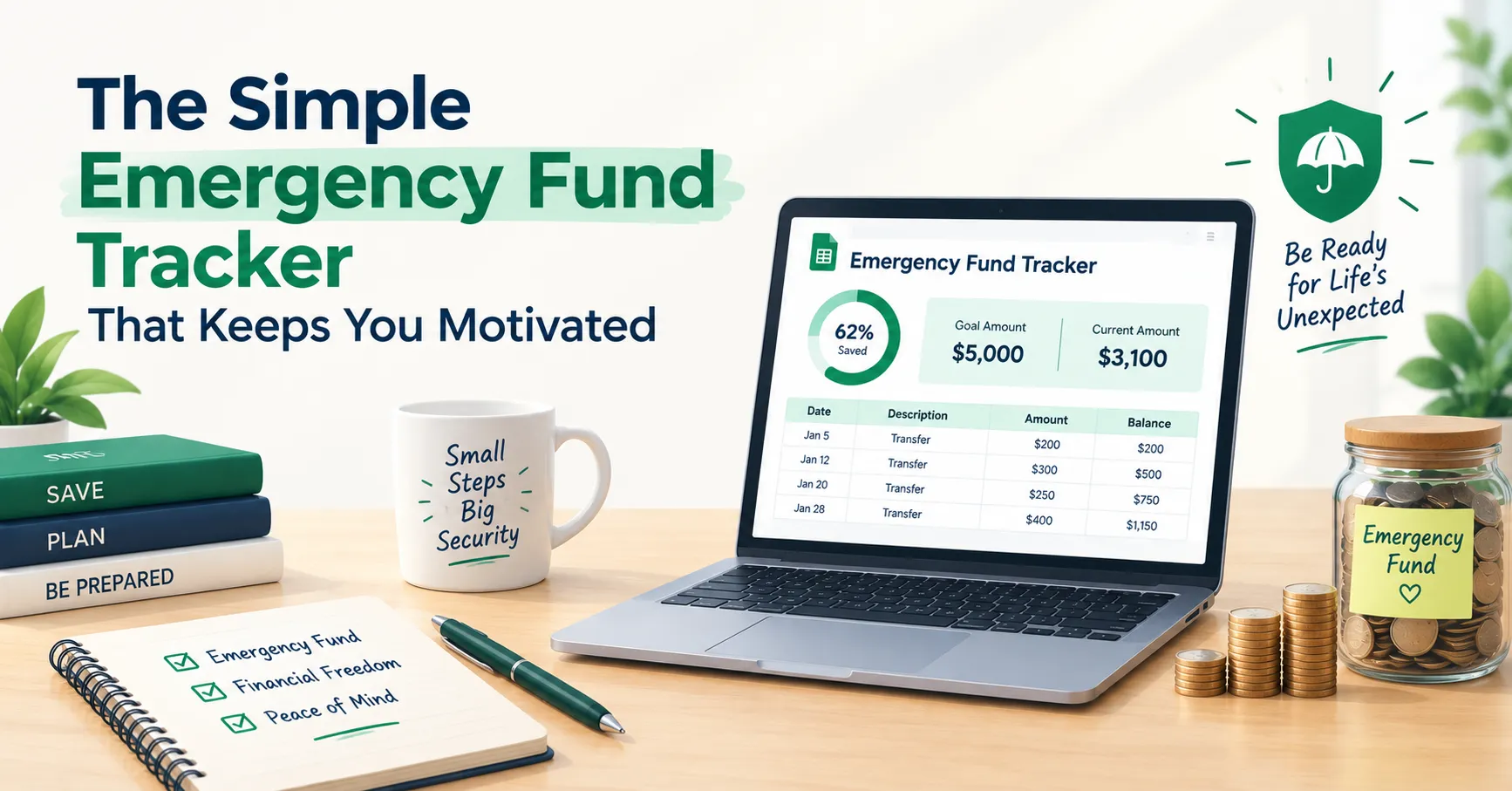
The Emergency Fund Tracker is a premium template for people who want more than a one-time number. It isn’t just a single figure in a spreadsheet cell. It’s a small workbook with three connected pieces: an Emergency Fund sheet, a Monthly Tracker, and a Dashboard. They all update off each other automatically.
What makes it work, and not just sit there as another sheet you forget about, is that it turns “save $8,400 someday” into “you’ve covered 0.2 months of expenses, here’s your target date, and here’s how close you are today.” That specificity is what keeps people going. A vague goal is easy to abandon. A goal with a number and a date on it is a lot harder to quietly forget.
How to Use the Emergency Fund Tracker
1. Make your own copy first. Open the template, go to File, then “Make a copy,” so you’re working in your own version and not the master file.
2. Enter your Essential Monthly Expenses. This lives at the top of the Emergency Fund sheet. Be specific about what “essential” means: housing, utilities, groceries, transportation, insurance, and minimum debt payments. Leave out the discretionary stuff like dining out or entertainment. This isn’t your whole budget, just what you’d absolutely need to keep paying if things got tight.
If you’re not sure what your essentials add up to, our guide to building a zero-based budget in Google Sheets shows how to pull the number from your real spending.
3. Pick your Goal Type. The sheet gives you preset options of 3, 6, 9, or 12 months of coverage, or you can choose Custom and set your own dollar figure. Three months is a reasonable starting target if you’re new to this. Six months is the more commonly recommended cushion once you’re further along. If $8,400 feels like too much right now, choose Custom and start with that $1,000 starter fund.
4. Enter your Current Emergency Fund Balance. Only count money you’d consider fair game for a true emergency, not your vacation fund or your “new laptop” savings. The sheet calls out this distinction directly, and it matters more than people think. Mixing the two makes you feel more protected than you actually are.
5. Add your Monthly Contribution. This is how much you plan to put toward the fund each month. The tracker uses this number to estimate your target date, so be honest rather than aspirational.
6. Check your Key Results and Target Date. The sheet automatically calculates your total goal, how much you have left to save, your current “months covered,” and an estimated date you’ll hit your target based on your contribution rate. If that date feels too far away, that’s useful information. It means it’s time to look at your contribution amount, not ignore the number.
7. Log your real activity on the Monthly Tracker. Each month, enter your actual Contributions and any Withdrawals if you had to dip into the fund. Starting balances, ending balances, and your progress percentage update automatically, so you never need to touch the calculated cells.
8. Check the Dashboard for the quick version. It pulls everything into one glance: current balance, goal, amount remaining, months covered, a chart of your balance building over time, and a plain-language summary of where you stand.
What Your Monthly Contribution Really Does
Here’s something that surprises people: small changes to your monthly contribution move your target date a lot. Using the same example (an $8,400 goal, with $600 already saved, leaving $7,800 to go):
| Monthly contribution | Time to reach goal (approx.) |
|---|---|
| $150 | About 52 months (4 years, 4 months) |
| $300 | About 26 months (just over 2 years) |
| $500 | About 16 months |
| $750 | About 11 months |
(Simplified: this ignores any interest your savings earn, which would shorten these timelines slightly.)
Moving from $150 to $300 a month cuts the wait by half. You can test your own numbers in our free Savings Goal Calculator, or just change the Monthly Contribution cell in the tracker and watch your Target Date update.
The goal isn’t to contribute the most you can possibly scrape together. It’s to pick an amount you can keep up through busy months, because consistency beats intensity here.
Where can the money come from?
If you’re looking for room in your budget, here are some places to check:
- Automate it. Set up an automatic transfer on payday, so the money moves before you can spend it.
- Redirect windfalls. Tax refunds, bonuses, and birthday cash can give your fund a head start.
- Trim one category temporarily. A small cut to dining out or subscriptions for a few months can fund your starter cushion.
- Round up. Even an extra $20 to $25 a month adds up faster than it feels like it should.
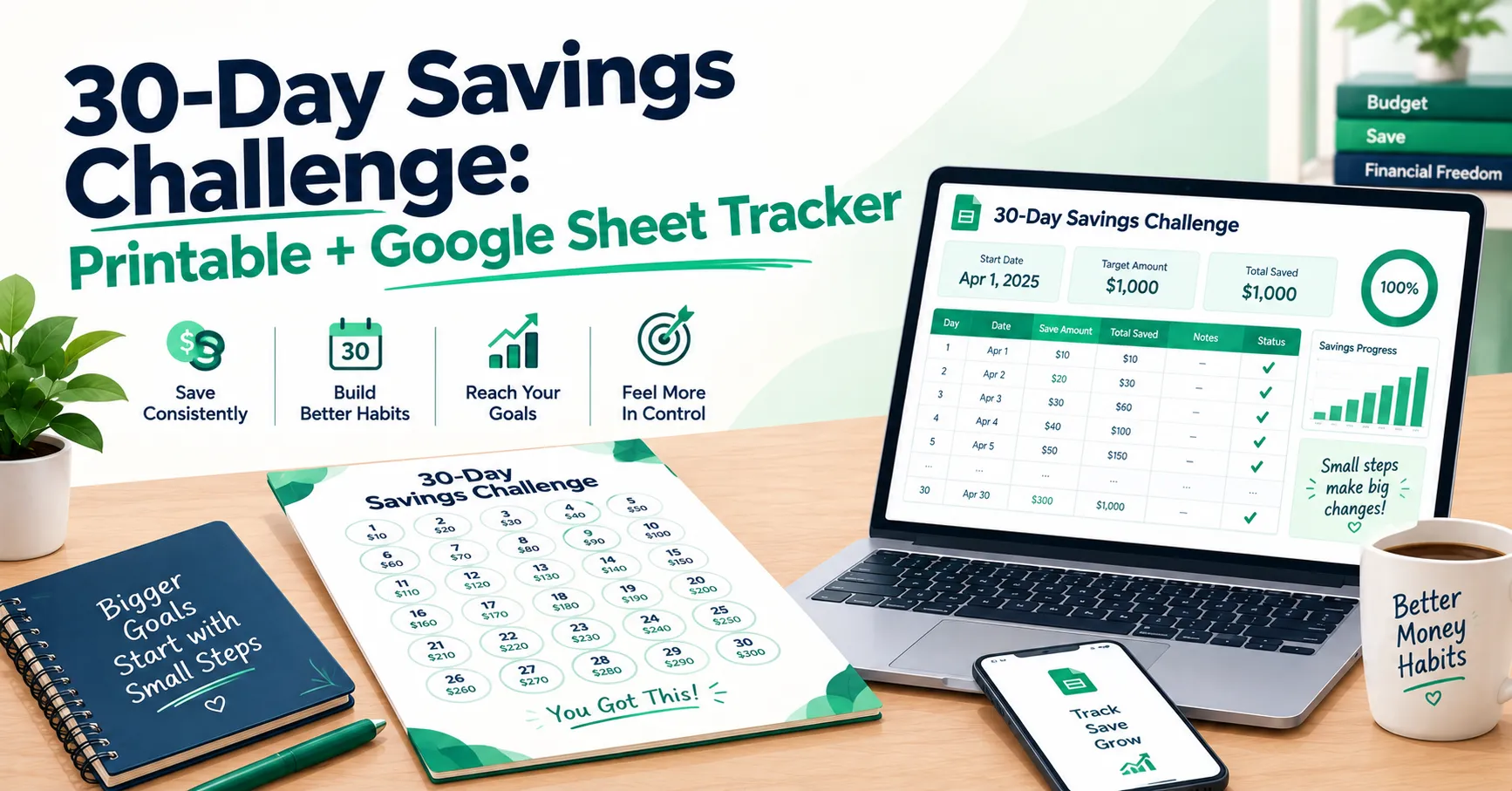
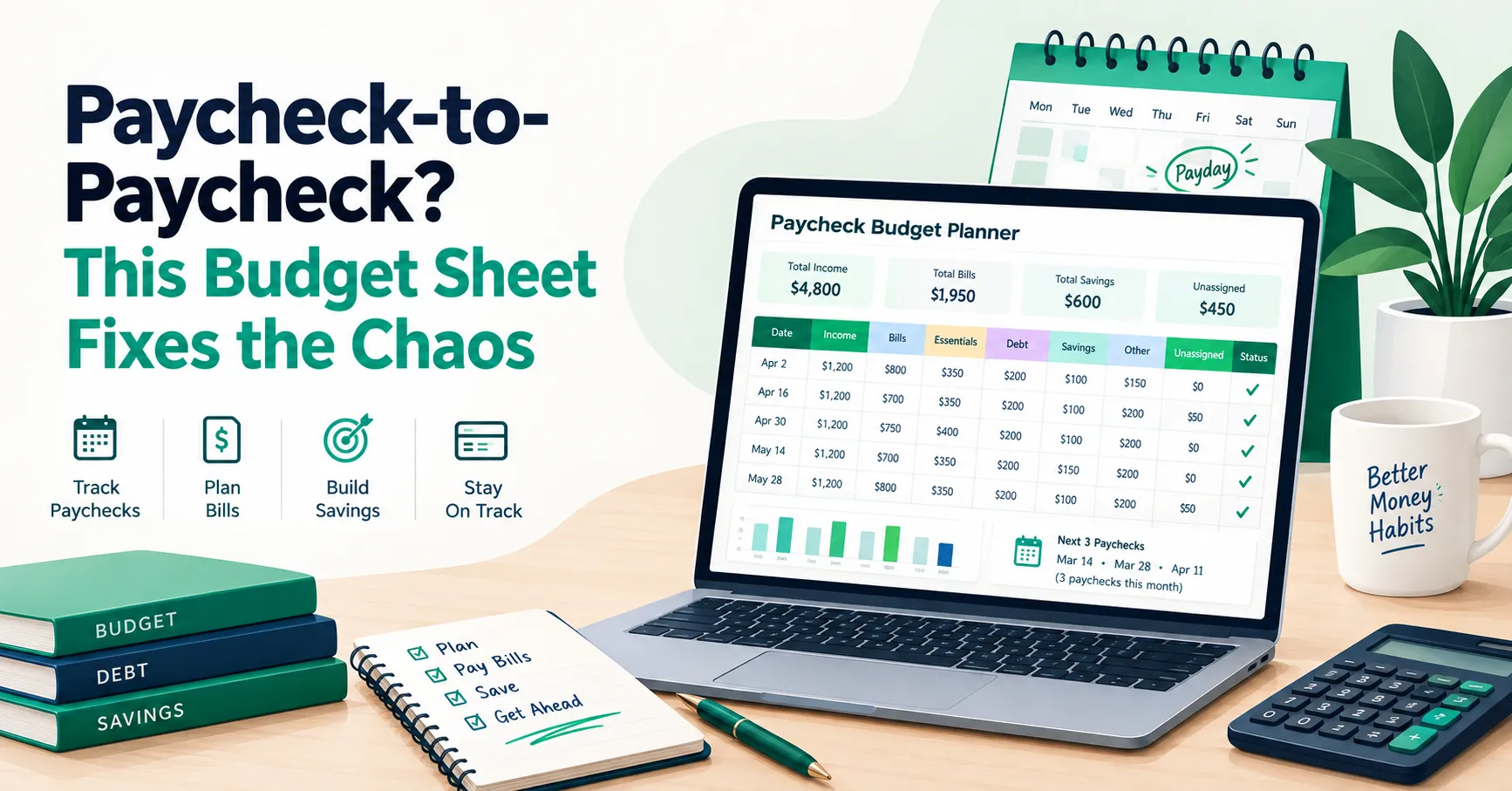
If your income feels too tight for any of this, start with our paycheck-to-paycheck budget sheet. And if you want a fun jump-start, the 30-Day Savings Challenge is a low-pressure way to build the habit.
Where should you keep it?
Keep your emergency fund somewhere separate from your everyday checking account, so it doesn’t get spent by accident. A savings account is a common choice because it’s easy to reach but not as tempting to dip into. If your bank lets you name sub-accounts or “buckets,” label it something clear like “Emergency Only.”
A Few Things Worth Knowing
Don’t let “emergency fund” quietly become “general savings”
It’s tempting to lump every dollar you’re not actively spending into one big pile. But the whole point of this fund is that it’s untouched by anything except a genuine emergency, like job loss, a medical bill, or an urgent repair. The moment it starts covering vacations or holiday gifts too, you lose track of your actual safety net, and you won’t know your real number when you need it most.
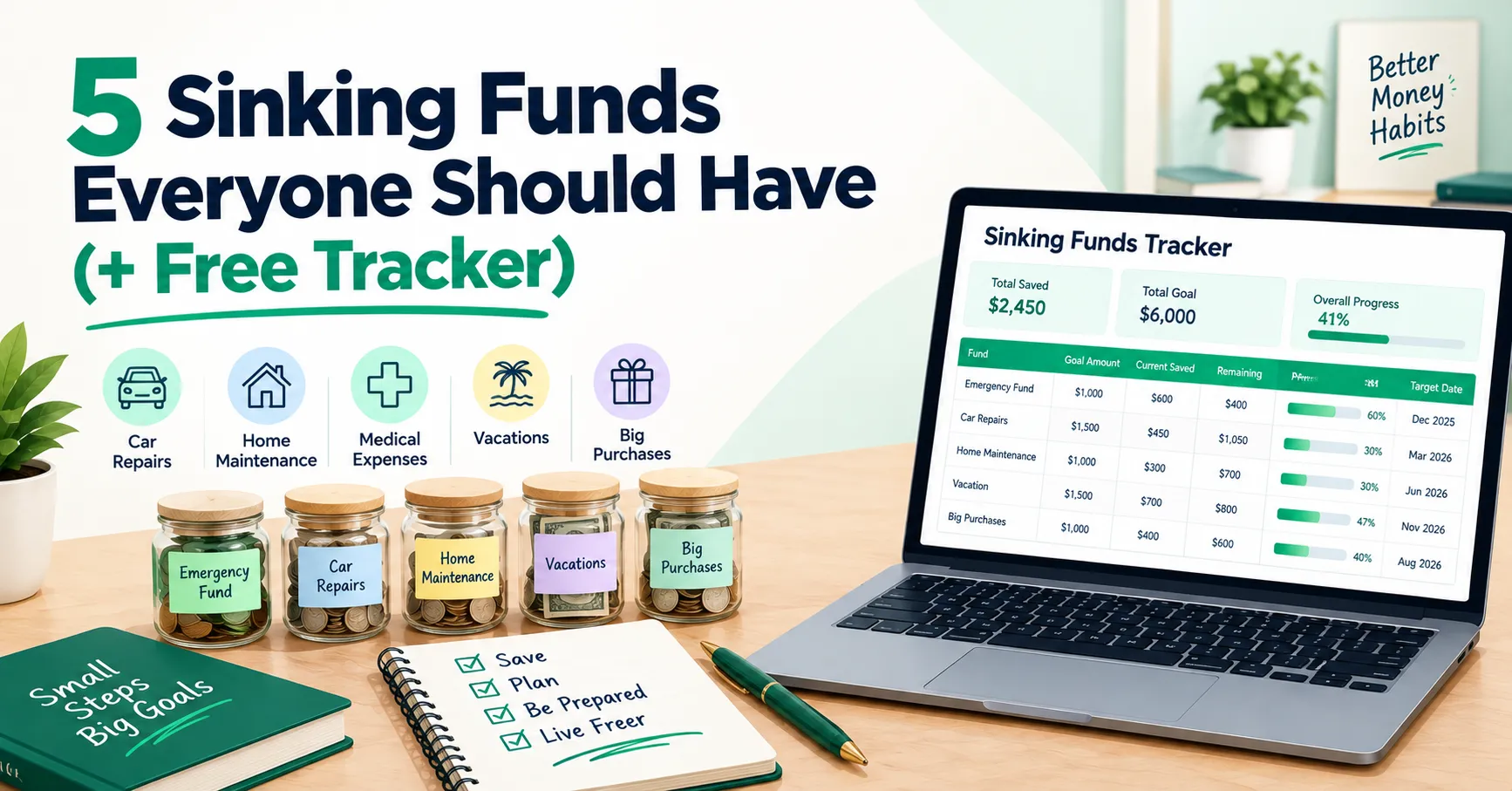
For predictable-but-irregular costs like gifts, annual fees, and car maintenance, use separate sinking funds instead. We walk through how in 5 Sinking Funds Everyone Should Have. That keeps your emergency fund truly for emergencies.
A withdrawal isn’t a failure. It’s the fund doing its job
Say your $1,000 starter fund covers that $240 car battery. The balance drops to $760. That isn’t a setback. That’s exactly what the fund is for, and it just kept $240 off your credit card.
Log the withdrawal in the Monthly Tracker like any other month, and then get back to contributing. The tracker is built to handle withdrawals as a normal part of the process, not an exception you have to work around. A good rule of thumb: ask yourself whether the expense was unexpected, necessary, and urgent. If yes, the fund is the right place for it.
You don’t have to choose between paying off debt and building this fund
I get asked this a lot, and there’s no single right answer. It depends on your interest rates and your cash flow. What I will say is that even a small fund, a few hundred dollars, is often enough to stop small emergencies from becoming new debt in the first place. That alone can be worth doing alongside your debt payments, not instead of them.
A common approach is to build a starter cushion first, then focus on debt, then come back to build the fund up to your full goal. To see how debt payoff fits in, run your numbers in our Debt Payoff Calculator, or read Debt Snowball vs Avalanche to choose a method. If credit cards are the main weight, our Credit Card Payoff Calculator shows your debt-free date.
Celebrate the small wins
You hit $500. You hit $1,000. You cover one full month of expenses. These are real milestones, so notice them. Open the Dashboard, look at the chart climbing, and give yourself credit. Motivation is the whole point of a tracker like this, and it works better when you let yourself feel the progress.
Don’t let a missed month derail you
Some months you’ll contribute less than planned. Some months you’ll skip it entirely. That’s okay. Pick it back up next month. If you feel stuck on where to start, our post on why budgeting feels impossible (and how to actually start) might help.
You’re Closer Than You Think
An emergency fund isn’t glamorous. Nobody posts about their “months of expenses covered” on social media. But it’s quietly one of the most stabilizing things you can build, because it changes what a bad day actually costs you.
You don’t need to hit your full goal this month. You just need a starting point. Here’s the simplest path:
- Find your target with the free Emergency Fund Calculator.
- Want to track it month by month? Grab the Emergency Fund Tracker, make your copy, and enter your essential expenses, current balance, and monthly contribution.
- Check your target date, then log your progress each month.
Want more free tools like the calculators above, plus new templates as we build them? Join the SheetsWell email list. No hype, no noise, just what’s genuinely helped me and a lot of other people build a real cushion.
Clear your debt. Master your cash. One contribution at a time.

2 thoughts on “The Simple Emergency Fund Tracker That Keeps You Motivated”