I once paid a $35 late fee on a $60 phone bill. Not because I couldn’t afford the bill. I had the money. I just forgot the date, and it slid by on a week when I was busy and distracted.
The fee itself wasn’t the worst part. It was the small, sick feeling of realizing I’d handed over free money for absolutely nothing. And that it would happen again if I didn’t change something.
If you’ve ever opened your banking app and thought “wait, was that due yesterday?”, this one’s for you.
Why This Actually Matters
Missing a bill rarely feels like a big deal in the moment. It’s a late fee here, a “please pay immediately” email there. But it adds up quietly. Late fees, interest, and in some cases a hit to your credit score if a payment goes far enough past due.
And here’s what took me a while to see: most missed payments aren’t about money. They’re about visibility. Your bills live in five different places: emails, paper mail, apps, that one login you always forget. Nothing shows you the whole picture at once, so things slip through.
Even auto-pay doesn’t fully solve it. It only works if the money is actually in the account on the day it pulls. I’ve watched people get hit with overdraft fees because an auto-payment landed two days before payday. Auto-pay handles the paying. It doesn’t tell you whether you can afford it.
Meet the Bill Tracker
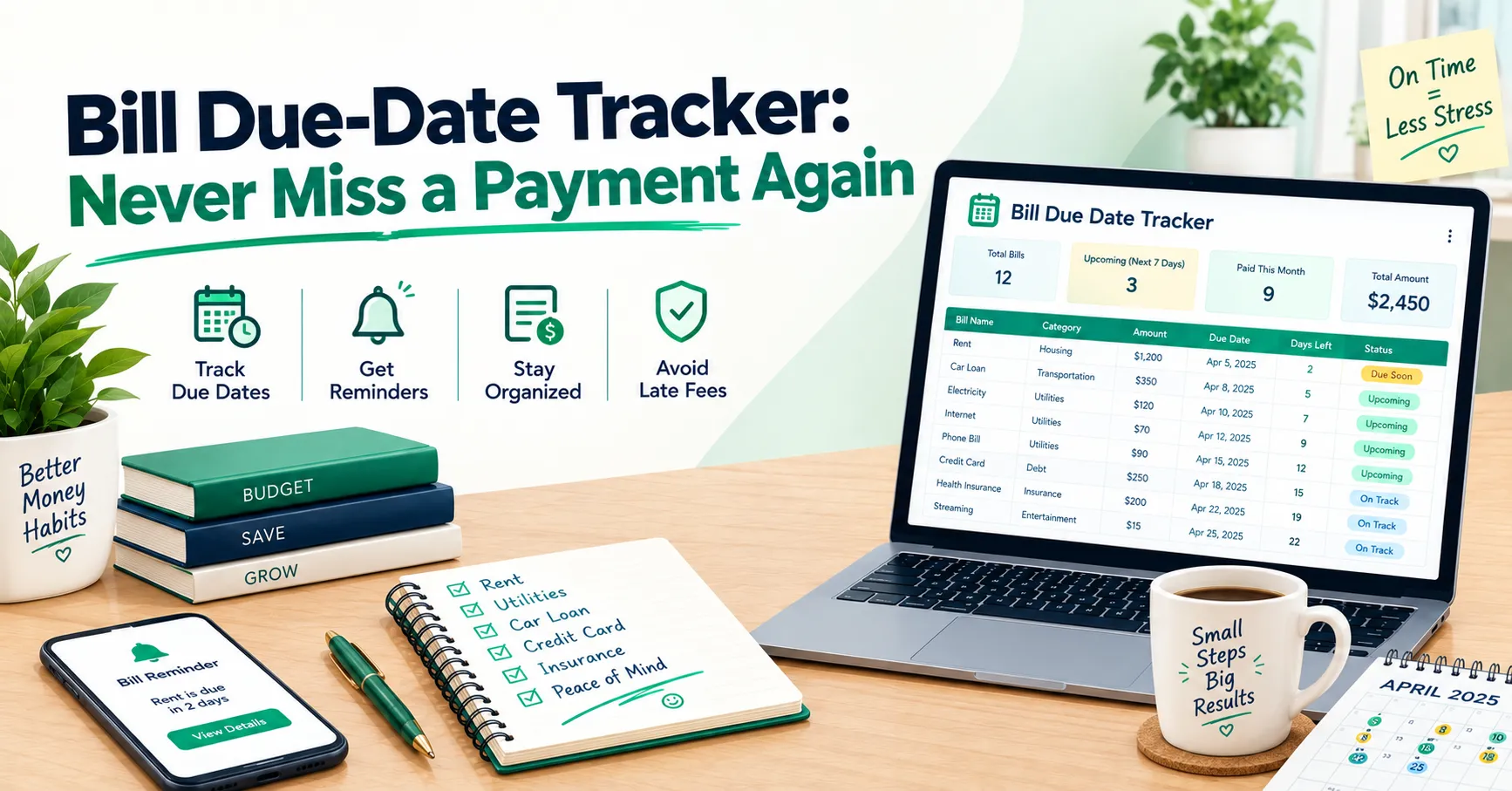
The Bill Tracker is one workbook that puts every bill in one place, shows you what’s due and when, and tells you plainly whether you’re covered.
One honest note first: it’s a spreadsheet, so it won’t text you or send reminders. You have to open it. What it does is make opening it worth it. You get a single Dashboard that shows overdue bills, what’s coming up, and whether your cash covers it, in about ten seconds. And it never asks for bank logins or account numbers, on purpose. In fact, the Instructions tab tells you not to type any of those in.
It’s built from a few connected tabs: Recurring Bills, Bill Tracker, Monthly Bills, Payment Log, a Calendar, and the Dashboard. You mostly type in two places. The rest fills itself in.
How to Set Up Your Bill Tracker
- Make your own copy first. Open the template and go to File, then “Make a copy.” The sample bills are there so you can see how it works. Clear the green input cells (not the grey ones, since those are formulas) before entering your own.
- List your recurring bills. Go to the Recurring Bills tab and add everything you pay regularly: rent, utilities, phone, insurance, loan payments. Pick a category and how often it repeats, whether that’s monthly, quarterly, annually, or something else.
- Add one row per due date on the Bill Tracker. This is the main tab. Each row is a single bill on a single date, so rent for October and rent for November are two separate rows. Enter the Due Date and the Amount Due, which is your expected amount. If a bill changes every month, like electricity, put in your best guess now.
- Enter the real amount when the bill arrives. That’s what the Actual Amount column is for. The sheet shows whether it came in below, equal to, or above what you expected. It doesn’t judge you either way. It’s just useful information.
- Mark auto-pay bills honestly. Set Auto-Pay to Yes or No. Auto-pay bills still stay on your Upcoming list, because they still need money in the account when the day comes.
- Update the status when you pay. Change Paid to “Paid,” or to “Partial” if you’ve only paid some of it, and add the payment date. Each bill then gets a clear status: Paid, Due Today, Due Soon, Upcoming, or Overdue. You can even change how many days ahead counts as “Due Soon.” The default is 7.
- Check the Dashboard. This is the tab to open every few days. It shows your overdue amount, what’s due in the next 7 and 30 days, and your next ten unpaid bills, soonest first, with overdue ones on top.
- Use the Cash-Flow Check. Type in the cash you have available right now, and the Dashboard compares it against what’s due in the next 7 and 30 days. If your bills exceed your cash, it says so plainly. It’s better to find that out today than on the due date.
A Few Things Worth Knowing
Give yourself a weekly check-in, not a daily one. The tracker won’t nag you, so build a small habit around it. Five minutes on the same day each week, maybe Sunday evening. Update what got paid, glance at the Dashboard, and you’re done. That’s enough to catch nearly everything.
Deal with your annual bills before they land. The bills that wreck people aren’t the monthly ones. They’re the vehicle registration, the insurance renewal, the property tax that arrives once a year. At the bottom of the Recurring Bills tab is a set-aside section that shows how much to put away each month so those bills don’t come as a shock. Twenty minutes there can save you a scramble later.
Don’t leave the due date blank. It’s tempting to skip it when you’re not sure. But a bill with no due date is counted in your totals and never flagged as overdue. It just quietly sits there. If you don’t know the date yet, find it. That’s the whole point of the sheet.
You Don’t Need a Perfect System
You don’t need fancy software, and you don’t need to be an organized person. You just need every bill in one place, and one quick look each week to see where you stand.
Download the free Bill Tracker, enter your recurring bills first, and let the rest fill in from there.
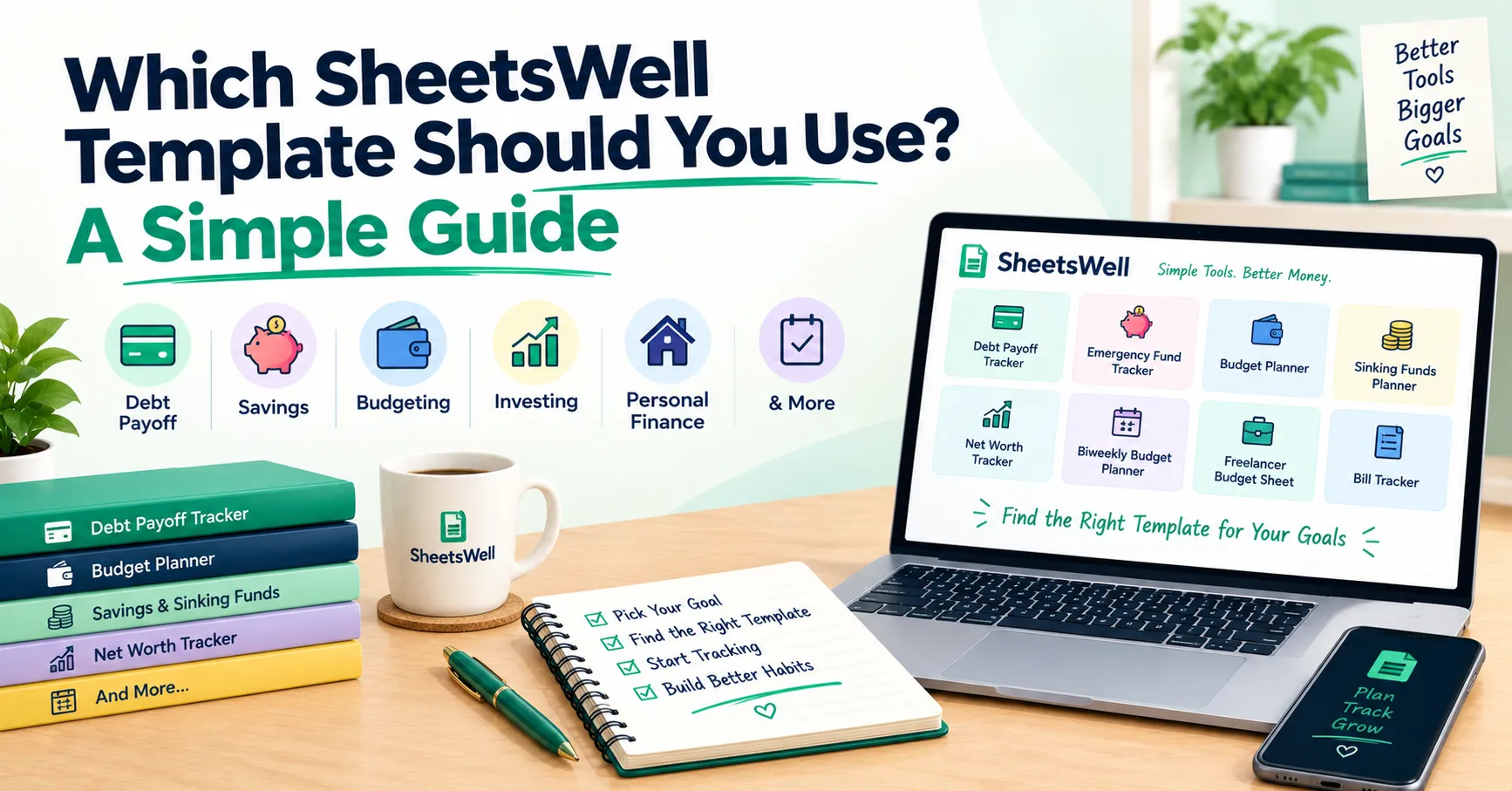
While you’re here, explore the full SheetsWell template library for budgeting, saving, and debt tools that work with this one. And if you want deeper tracking and more detailed dashboards, check out our premium templates.
Want more tools like this in your inbox? Join the SheetsWell email list. No hype, no noise, just what’s genuinely helped me and a lot of other people stop paying fees for forgetting.
Clear your debt. Master your cash. One due date at a time.