Every January I made the same promise. “This year I’m going to save properly.” No number, no plan, just a vague intention and a lot of confidence.
By February it was gone. Not because I didn’t care, but because “save properly” isn’t something you can actually do on a Tuesday afternoon. It’s too big and too fuzzy. There’s nothing to check off, nothing to win, and no way to tell if you’re doing okay.
If you’ve ever started a savings goal with real enthusiasm and quietly dropped it a few weeks later, you’re not bad with money. You just needed a smaller finish line.
Why a Short Challenge Works
Big goals feel far away, and far away things are easy to put off. A 30-day challenge flips that. It’s short enough that you can see the end from the start, and it’s long enough to build a small habit.
Here’s the part I didn’t expect: the amount matters less than the finishing. Saving $300 in a month and actually completing it teaches you something a year-long plan you abandon in March never will. You find out where the money really comes from. You notice which weeks are tight. And you get proof, in your own handwriting or your own spreadsheet, that you can do this.
It also isn’t a replacement for anything bigger. Think of it as a warm-up. Once you’ve done one lap, the next goal, whether that’s an emergency fund or a debt payoff, feels a lot less scary.
Meet the Savings Challenge Tracker
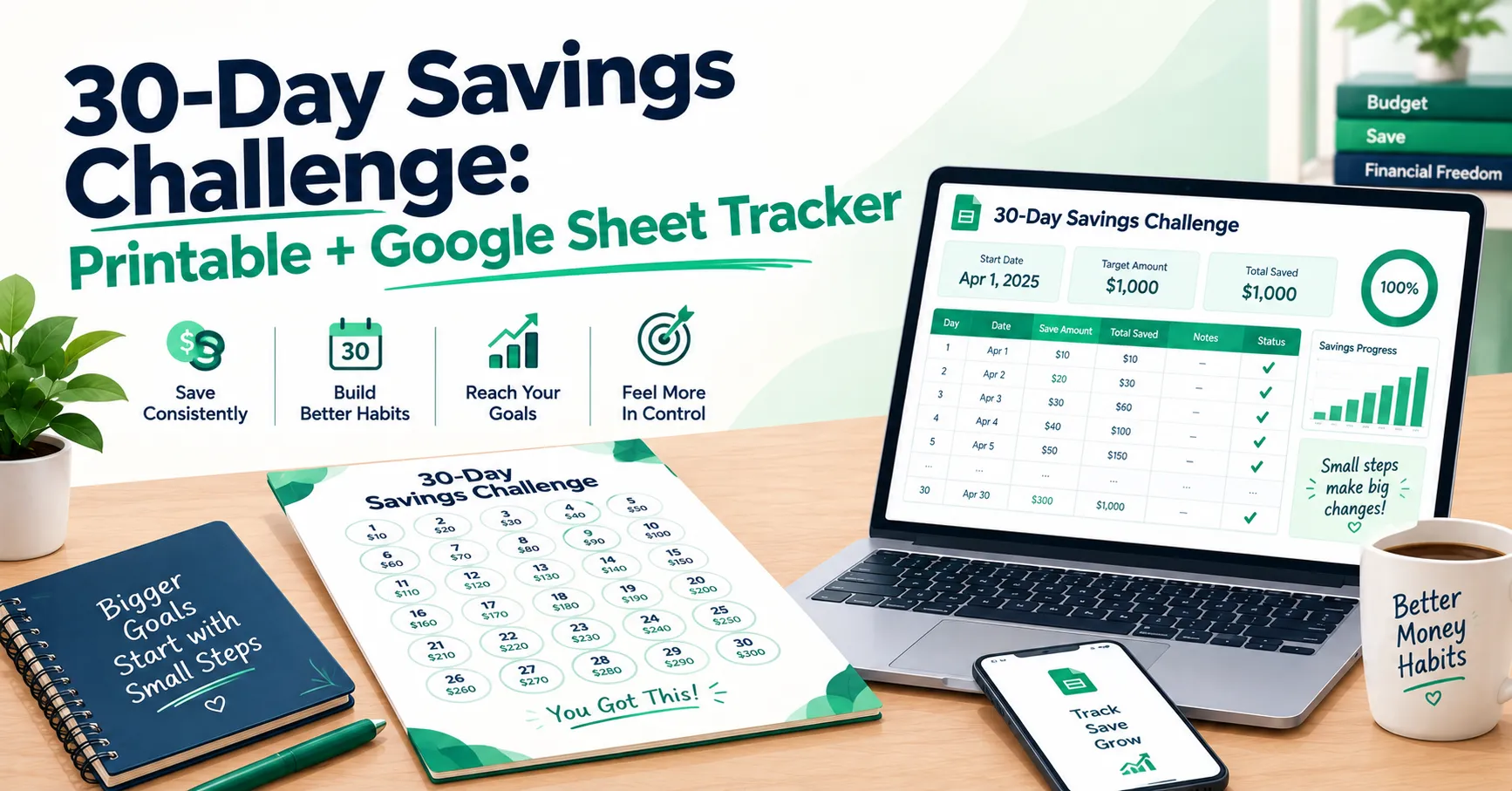
One honest note before the steps, so you don’t get surprised: this tracker works in weeks, not days. You log what you saved once a week, not every single morning. For a 30-day challenge, that means setting it up for 4 weeks (or 5, if you’d like it to cover the full month plus a couple of days).
I built it that way on purpose. Daily tracking sounds motivating, but it’s also easy to miss a day, feel behind, and give up. Weekly is forgiving. You can have a rough Tuesday and still catch up by Sunday.
The workbook has four parts. A Setup tab where you build your plan, a Weekly Tracker where you log what you saved, a Dashboard that shows your progress, and a Monthly Summary that rolls things up by calendar month. Anything with a formula in it fills itself in, so the only things you type are your plan and your actual savings.
How to Set Up Your 30-Day Challenge
- Make your own copy first. Open the template and go to File, then “Make a copy.” The Weekly Tracker comes with a few weeks of fictional sample data so you can see how it works. Clear the Actual Saved column before you start.
- Fill in the yellow cells on the Setup tab. Yellow means it’s yours to edit, and grey means it’s calculated, so leave those alone. Give your challenge a name, pick your start date, and set the Number of Weeks to 4 or 5. Then enter your Savings Goal, which is the total you want to have by the end.
- Choose your challenge type. There are two. Fixed Weekly means you save the same amount every week. Ascending means it grows: week 1 is your base amount, week 2 is double, week 3 is triple, and so on.
- See what your plan actually asks of you. The Setup tab does the math. As an example, a $300 goal over 4 weeks on Fixed Weekly is $75 a week. On Ascending, you’d start with $30, then $60, $90, and $120. Same total, very different feel. Fixed is steadier. Ascending starts easy and gets harder as you go.
- Log your savings on the Weekly Tracker. Each week, type what you actually saved in the Actual Saved column, plus an optional note if you want one. The current week highlights in blue automatically. Your dates, planned amounts, running totals, and Ahead/Behind number all update on their own.
- Check the status column. Each week gets flagged based on whether you met your plan. Don’t read it as a grade. It’s just a quick signal for how the week went.
- Look at the Dashboard. This is the fun tab. You get a live progress bar, your percent complete, how much you have left to reach your goal, your average saved per logged week, your best week, and milestone markers at 25, 50, 75, and 100 percent. It also tracks your streak of on-track weeks.
- Use the Monthly Summary if your challenge crosses two months. If you start mid-month, your 30 days will straddle two calendar months, and this tab splits planned versus actual savings across both.
A Printable Version, If You Like Paper
Some people save better when they can physically cross something off. If that’s you, print your Weekly Tracker once you’ve done the setup. Use your spreadsheet’s print option and select just the rows for your 4 or 5 weeks, so you’re not printing a full year of empty lines. Stick it on the fridge, and fill in the numbers by hand as you go, then type them into the sheet once a week so the Dashboard stays accurate.
A Few Things Worth Knowing
Pick a number you can beat, not one you can barely hit. The most common mistake is setting an ambitious goal on a burst of motivation, then feeling behind by week two. Choose an amount you’re fairly sure you can reach, and if you finish early, great. A small win you actually complete beats a big goal you quietly abandon.
Move the money the moment you save it. Typing “$75” into a spreadsheet doesn’t put $75 anywhere. Set up a separate savings account, or at least a clearly named one, and transfer the money right when you log it. If it stays in your checking account, it tends to get spent without you noticing.
A zero week isn’t a failed challenge. Some weeks you’ll have nothing to put aside. Log the zero anyway, since it keeps your record honest, and try to make up a bit the following week. The Ahead/Behind column will show you how far you’ve slipped, which is more useful than pretending it didn’t happen.
You Only Need to Finish One
You don’t have to change your whole financial life in 30 days. You just have to prove to yourself, once, that you can set a number and hit it.
Download the free Savings Challenge Tracker, set it up for four weeks, and pick an amount that feels a little uncomfortable but doable.
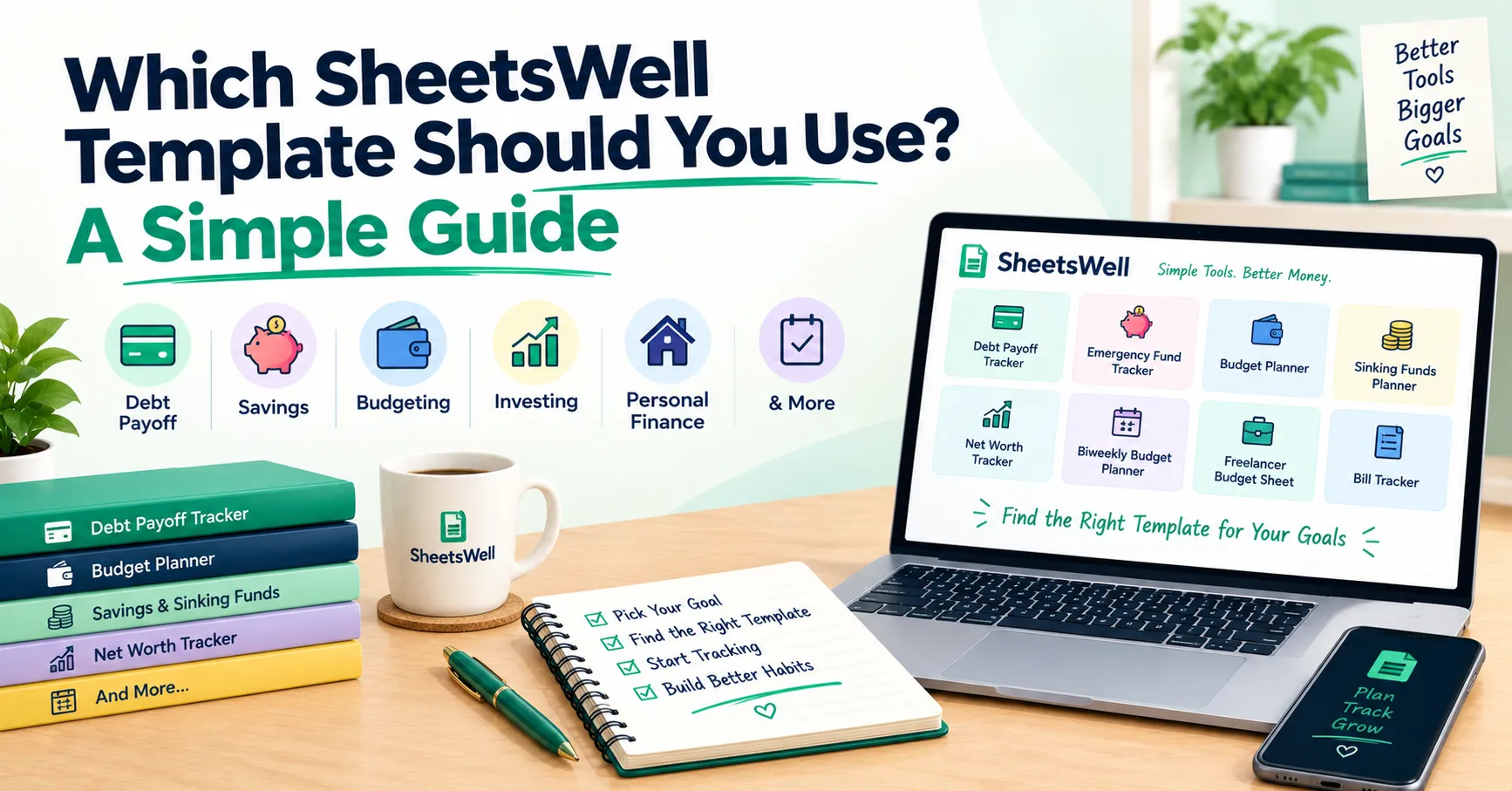
While you’re here, explore the full SheetsWell template library for budgeting, saving, and debt tools that work alongside this one. And if you want more depth, like longer-term planning and detailed dashboards, check out our premium templates.
Want more tools like this in your inbox? Join the SheetsWell email list. No hype, no noise, just what’s genuinely helped me and a lot of other people build the habit of saving.
Clear your debt. Master your cash. One week at a time.