A few years back, I got paid on a Friday and by the following Wednesday I genuinely could not tell you where half of it went. Nothing crazy happened. No big purchase, no emergency. It just left. A coffee here, a delivery order there, a subscription I forgot I had. By the next payday I was back to living off my last fifty bucks and wondering how someone with a full-time job could feel this broke.
If that sounds familiar, if your money seems to evaporate before you get a chance to plan for it, this one’s for you.
The problem wasn’t that I didn’t earn enough. The problem was that I never told my money where to go. It wandered off on its own, and I followed it around afterward trying to figure out what happened. A zero-based budget fixes that, and it’s the single thing that changed my relationship with money more than anything else I tried.
In this guide, you’ll learn:
- What “zero-based” actually means (it’s less scary than it sounds)
- A full example budget with real numbers, so you can see it work
- How to build yours in Google Sheets, step by step
- How to fix a budget that doesn’t balance
- Habits that keep it working month after month
Why This Actually Matters
Here’s the honest truth: most people don’t have a spending problem. They have a planning problem. Money comes in, and without a plan, it fills whatever gap is closest: a sale email, a “treat yourself” moment, a bill you forgot was due. None of it feels irresponsible in the moment. It just adds up to nothing left by the time you need it most.
The stakes are bigger than feeling broke for a few days before payday. Without a plan, you can’t build savings, you can’t tell whether you’re making progress, and you end up making the same money decisions on repeat every month, wondering why nothing changes.
A zero-based budget gives every dollar a job before you spend it. It isn’t restrictive. It’s intentional.
What Zero-Based Budgeting Actually Means
The name makes it sound scarier than it is. “Zero-based” does not mean you spend down to zero and have nothing left. It means your income minus your planned expenses (including savings) equals zero, because every dollar has been assigned somewhere.
Income − Planned Expenses (including savings) = $0
If you have extra left over, that extra gets a job too. Maybe it goes to your emergency fund, maybe to a debt payment, maybe to guilt-free spending money. But it’s decided in advance, not discovered by accident on the 28th of the month.
Notice that savings counts as an “expense” in this formula. That’s on purpose. When you pay yourself first, the money is spoken for before the month can swallow it.
See It Work: A Sample Monthly Budget
Let’s use a simple example. Say your take-home pay is $4,000 a month. Here’s one way to give every dollar a job:
| Category | Line item | Planned |
|---|---|---|
| Housing | Rent | $1,300 |
| Utilities | Electric, internet, phone | $220 |
| Food | Groceries | $450 |
| Food | Dining out | $120 |
| Transport | Gas | $150 |
| Transport | Car insurance | $110 |
| Health | Health and personal care | $80 |
| Fun | Entertainment and subscriptions | $120 |
| Debt | Credit card payment | $500 |
| Savings | Emergency fund | $400 |
| Savings | Retirement / investing | $200 |
| Savings | Sinking funds (gifts, car repairs) | $150 |
| Flex | Miscellaneous | $200 |
| Total | $4,000 |
Income of $4,000 minus planned expenses of $4,000 equals $0. Every dollar is assigned.
(This is an illustration only. Your numbers, categories, and priorities will look different, and that’s fine.)
Look at what this plan does that “see what’s left at the end of the month” never does. It pays $500 to a credit card instead of the bare minimum. It builds an emergency fund every month. It sets aside money for irregular costs like gifts and car repairs, so they don’t land on a credit card. And it still includes $120 for fun and $200 of flex, because a budget with no breathing room won’t survive past week two.
How to Build Your Zero-Based Budget, Step by Step
The Zero-Based Budget Template is laid out in three parts (Income, Expenses, and a Summary) and does the math for you in real time, so you can see at a glance whether your plan balances.
1. Make your own copy of the sheet. Open the template and go to File, then “Make a copy.” Don’t work in the master file. You want a private version that’s yours to mess with.
2. Fill in your Income section first. The sheet already has rows for Salary, Freelance Income, Business Income, and Other Income, each with a Planned Amount and an Actual Amount column. Enter what you expect to bring in under “Planned,” and leave “Actual” blank until the money arrives. The sheet totals it automatically in the TOTAL INCOME row.
A tip: budget your take-home pay (what actually lands in your account), not your gross salary. Planning around money you never see is a fast way to end up overdrawn.
3. Work through the Expenses section, category by category. The sheet does a lot of the thinking for you. Expenses are grouped into Housing, Food, Transport, Utilities, Business Expenses, Savings, and Miscellaneous, with common line items under each (Rent/Mortgage, Groceries, Fuel, Electricity, Emergency Fund, Entertainment, and so on). Enter a Planned Amount for each line that applies to you. Each group has its own Subtotal row, so you’re never staring at one giant unsorted list.
Not sure where to start with amounts? Pull up your last two or three months of bank and card statements. Real past spending beats guessing every time. If you want a quick sanity check on your overall split between needs, wants, and savings, try our free Budget Calculator.
4. Don’t skip the Savings category. It sits right alongside Housing and Food, with rows for Emergency Fund, Retirement/Investments, and Other Savings Goal. Give it real numbers, the same way you would a bill. If savings only gets whatever’s left over, it usually ends up being nothing. Not sure how much to aim for? Our Emergency Fund Calculator helps you set a target, and the Savings Goal Calculator shows how much to set aside each month to reach it by a date you choose.
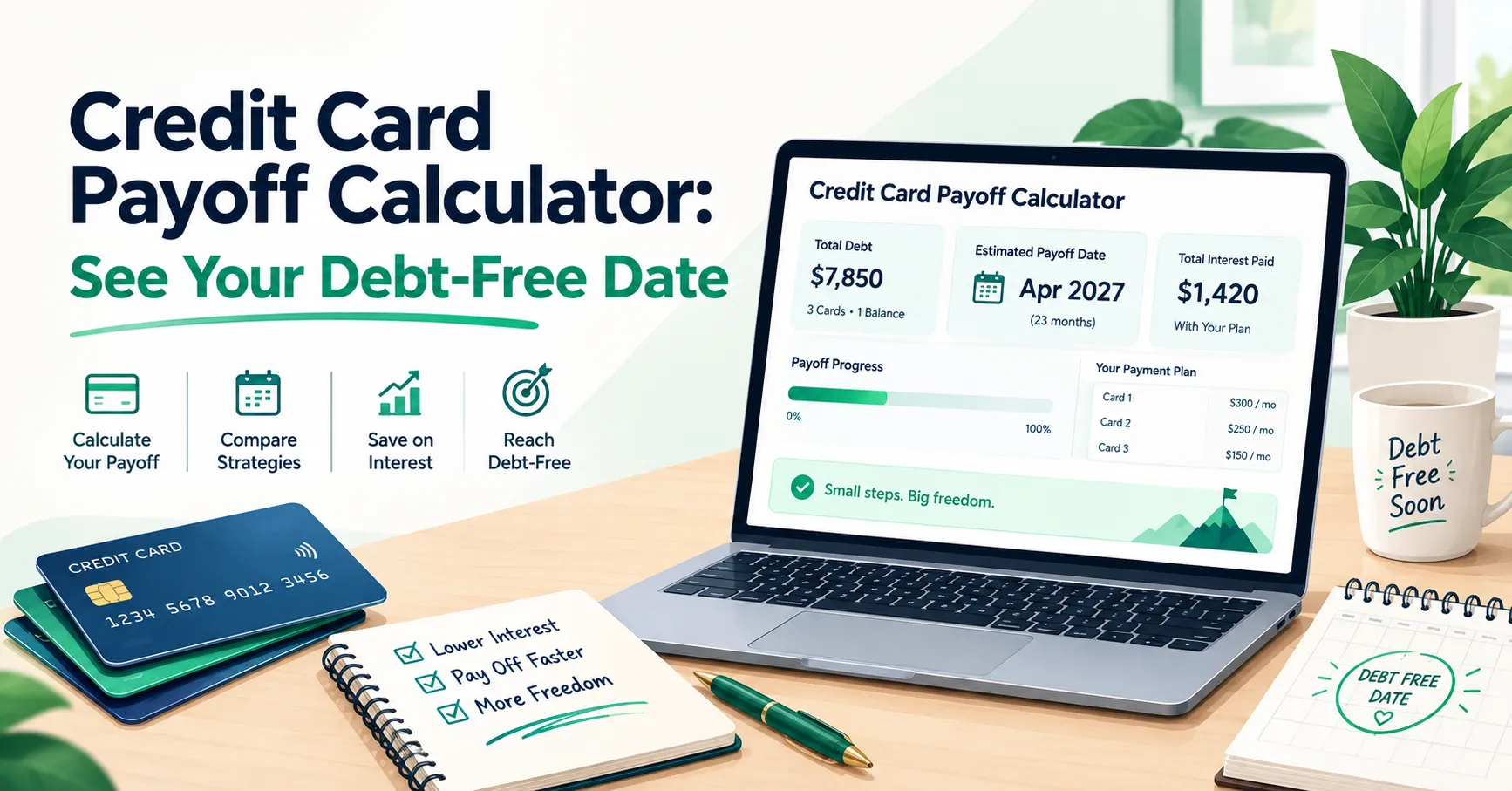
5. Add debt payments to your plan. If you’re paying down debt, give those payments their own line (the Miscellaneous section works well for this). Be intentional here: a payment above the minimum is how you actually get out. Not sure which debt to tackle first? Our guide to Debt Snowball vs Avalanche helps you choose, and our free Debt Payoff Calculator shows what your payment amount does to your payoff date.
6. Check the Remaining Balance row in the Summary section. This is the whole point of the exercise. It’s simply Total Income minus Total Expenses. In the Planned column, you want it to land on exactly $0. If it’s a positive number, that money still needs a job. If it’s negative, something needs to shrink before the month starts, not after.
7. Fill in the Actual column as the month goes on. Every row with a Planned Amount has an Actual Amount next to it, plus a Difference column that calculates the gap automatically. As bills come in and you spend money, log the real numbers. Green usually means you came in under plan, red means you went over, and that visual gap is where the learning happens.
8. Look at the Difference column at month-end, not just the totals. The Summary shows your overall Remaining Balance for what actually happened, but the real insight is usually hiding in one or two categories, like Food or Miscellaneous running over every month, rather than in the grand total.
What If Your Budget Doesn’t Balance?
This happens to almost everyone the first time. Here’s how to fix it.
If you’re over budget (a negative Remaining Balance). Say your plan totals $4,150 against $4,000 of income, so you’re $150 short. Don’t panic, and don’t just hope the month goes fine. Trim before the month begins:
- Look at flexible categories first: dining out, entertainment, subscriptions, miscellaneous
- Check whether any bill can be lowered (a phone plan, insurance, a streaming service)
- Pause or reduce a non-essential goal for one month, not forever
- Avoid cutting your emergency fund contribution to zero if you can help it
If you have money left over (a positive Remaining Balance). That’s a nice problem, but it still needs a job. Pick one:
- Add it to your emergency fund
- Add it to your target debt payment
- Start a sinking fund for something you know is coming
- Add it to a fun category so the plan feels sustainable
The goal is the same either way: zero unassigned dollars.
Things I Wish Someone Had Told Me Sooner
Use the Difference column as feedback, not a report card
When a row turns red because you spent more than planned, that’s not failure. It’s data. If your Dining Out or Entertainment line runs over every single month, the honest fix isn’t more willpower next month. It’s raising the Planned Amount to match reality and finding the money somewhere else. The sheet is showing you the truth about your habits so you can plan around them, not so you can feel bad about them.
Don’t let Savings become the leftover category
It’s easy to fill in every other group first and see what’s left for Emergency Fund or Retirement. Do it the other way around. Fill in your Savings rows right after Housing, before you touch Food or Miscellaneous, so it’s treated like the non-negotiable it is.
Build next month’s budget a few days early
Sit down on the 27th or 28th of the previous month, work through Income and Expenses while last month’s Actual numbers are still fresh, and get ahead of the month instead of reacting to it halfway through.
Watch the small subtotals, not just the big total
A Remaining Balance of $0 in the Planned column can hide a lot. You might be perfectly balanced overall while your Food subtotal is quietly $150 over last month. Scan the category subtotals every time you update the sheet, not just the number at the bottom.
Plan for the bills that only come around once or twice a year
Car registration, holiday gifts, annual subscriptions, and vet visits are the classic budget-breakers, because they feel like surprises even though they aren’t. Give them a monthly line in your plan so the money is waiting when they show up. We cover exactly how in our guide to 5 sinking funds everyone should have.
Keep your due dates visible
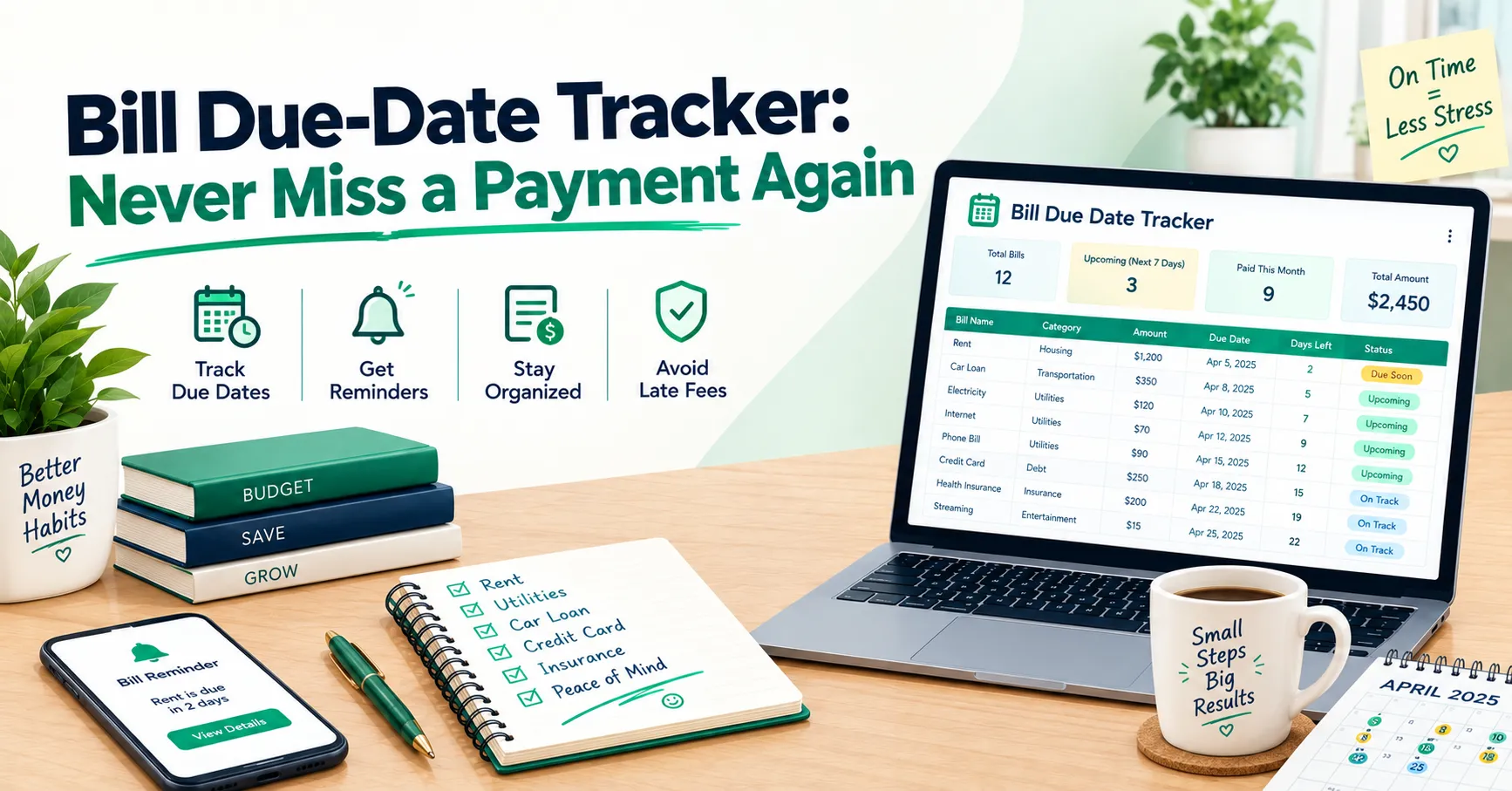
A great plan still falls apart if a bill slips through the cracks and triggers a late fee. Our Bill Due-Date Tracker pairs well with your budget, so you always know what’s due and when.
What If Your Pay or Income Isn’t Steady?
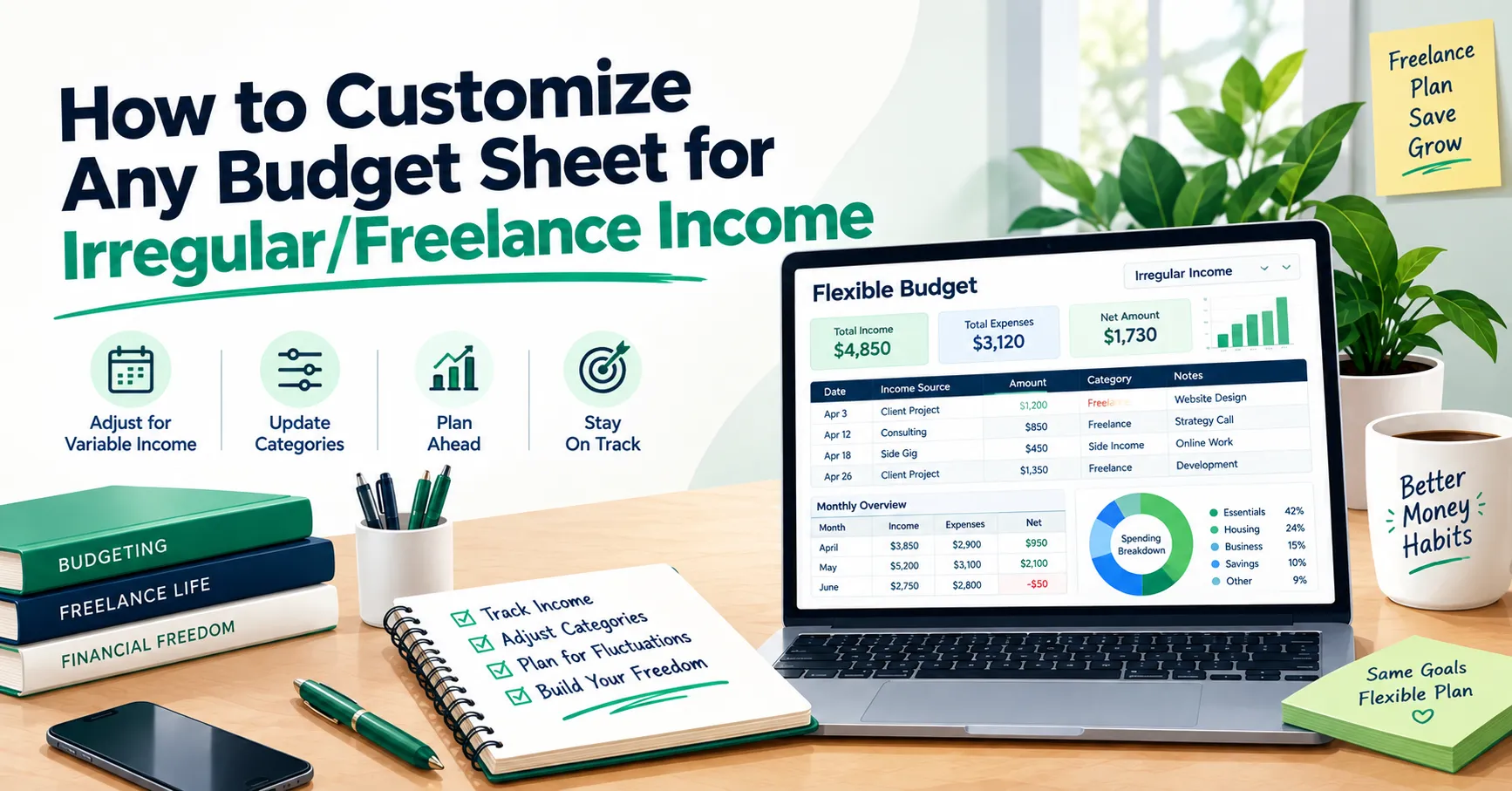
A zero-based budget works for variable income too, with one tweak: budget based on your lowest typical month, and treat anything above that as a bonus that gets assigned when it arrives. Our guide to customizing any budget sheet for irregular or freelance income walks through the setup.
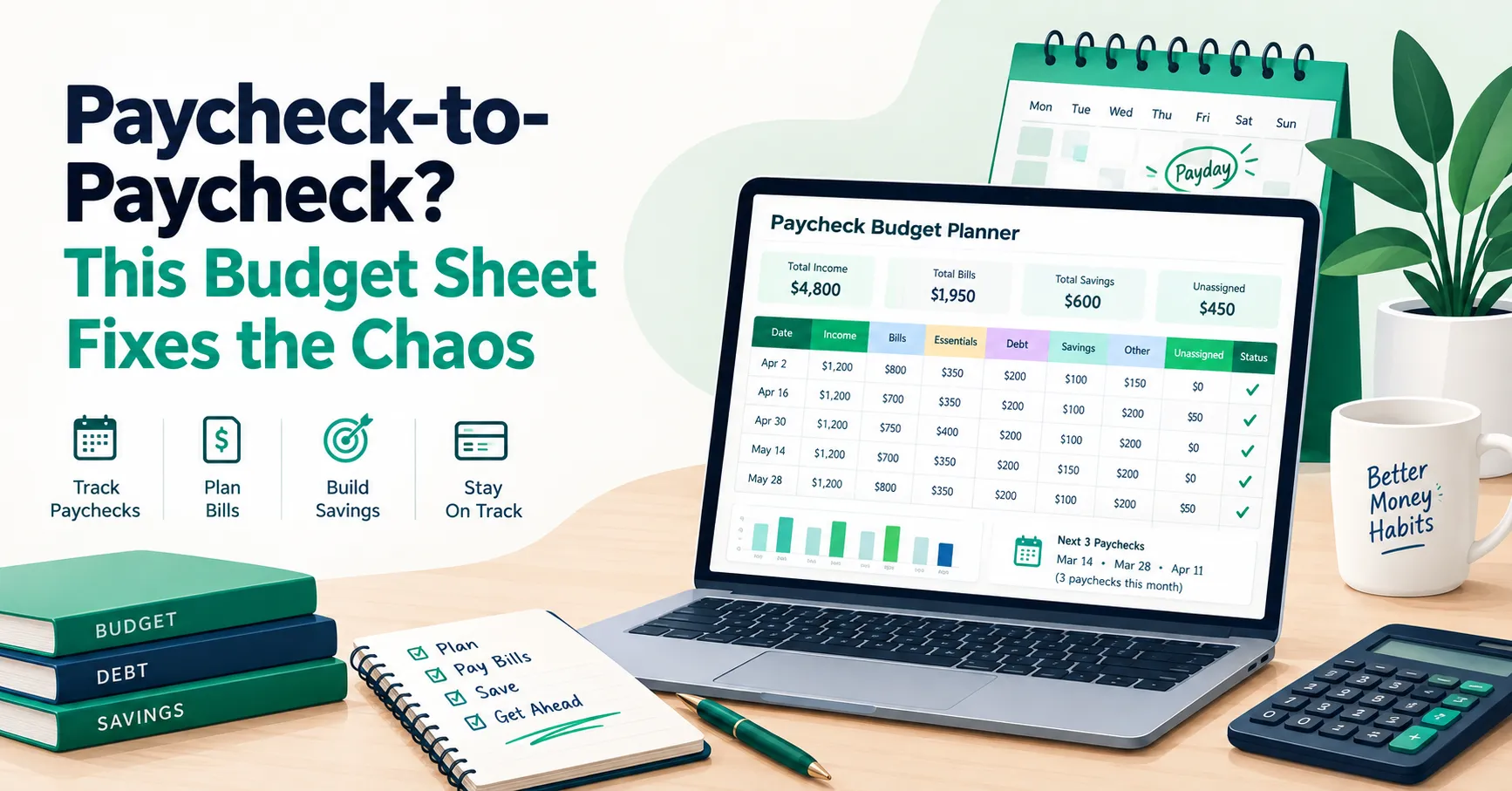
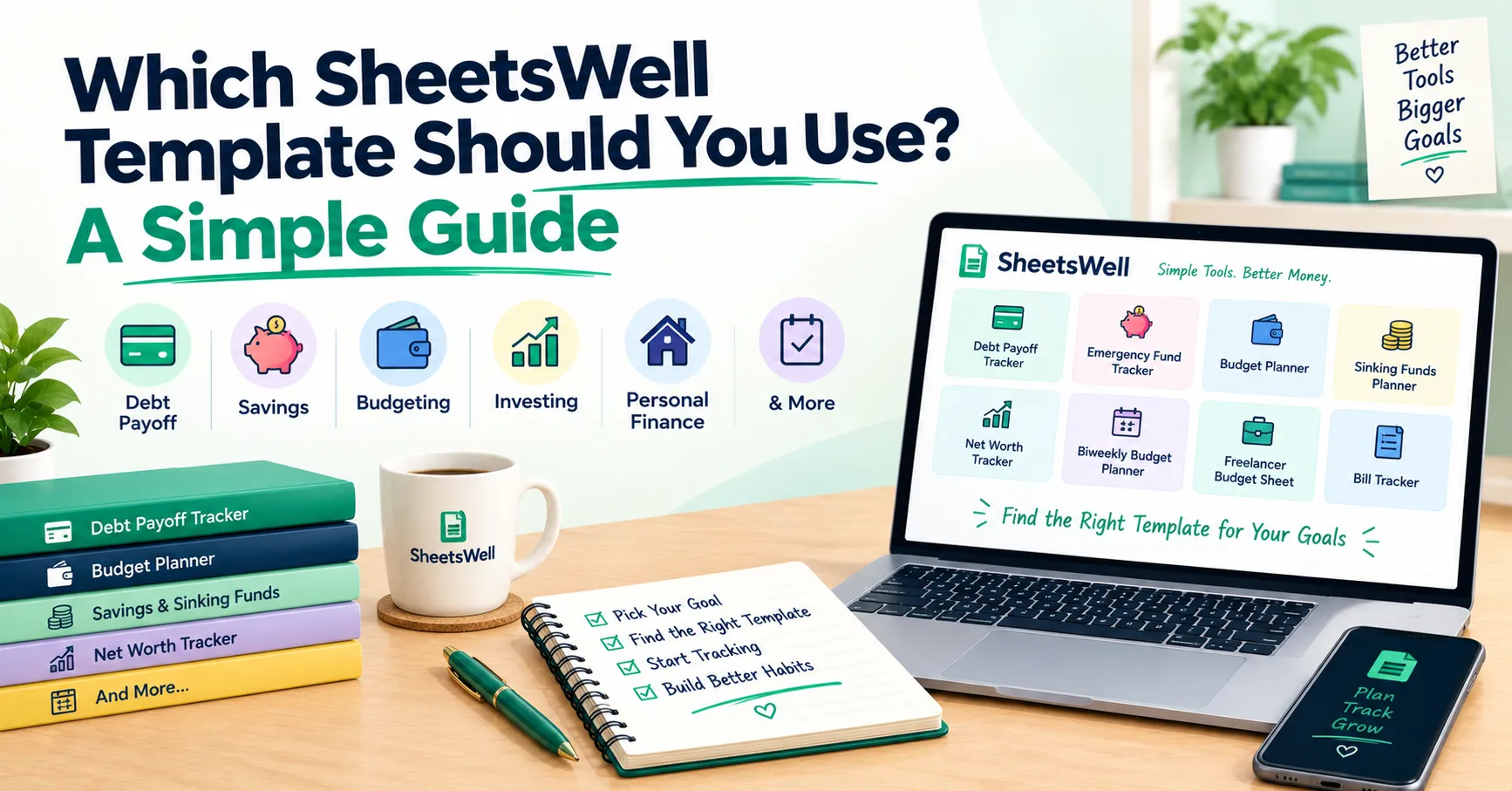
And if you’re living paycheck to paycheck right now and the idea of planning ahead feels out of reach, start here: this paycheck-to-paycheck budget sheet is built for exactly that situation. If you’re not sure which of our templates fits you best, our simple guide on which SheetsWell template to use can help you choose.
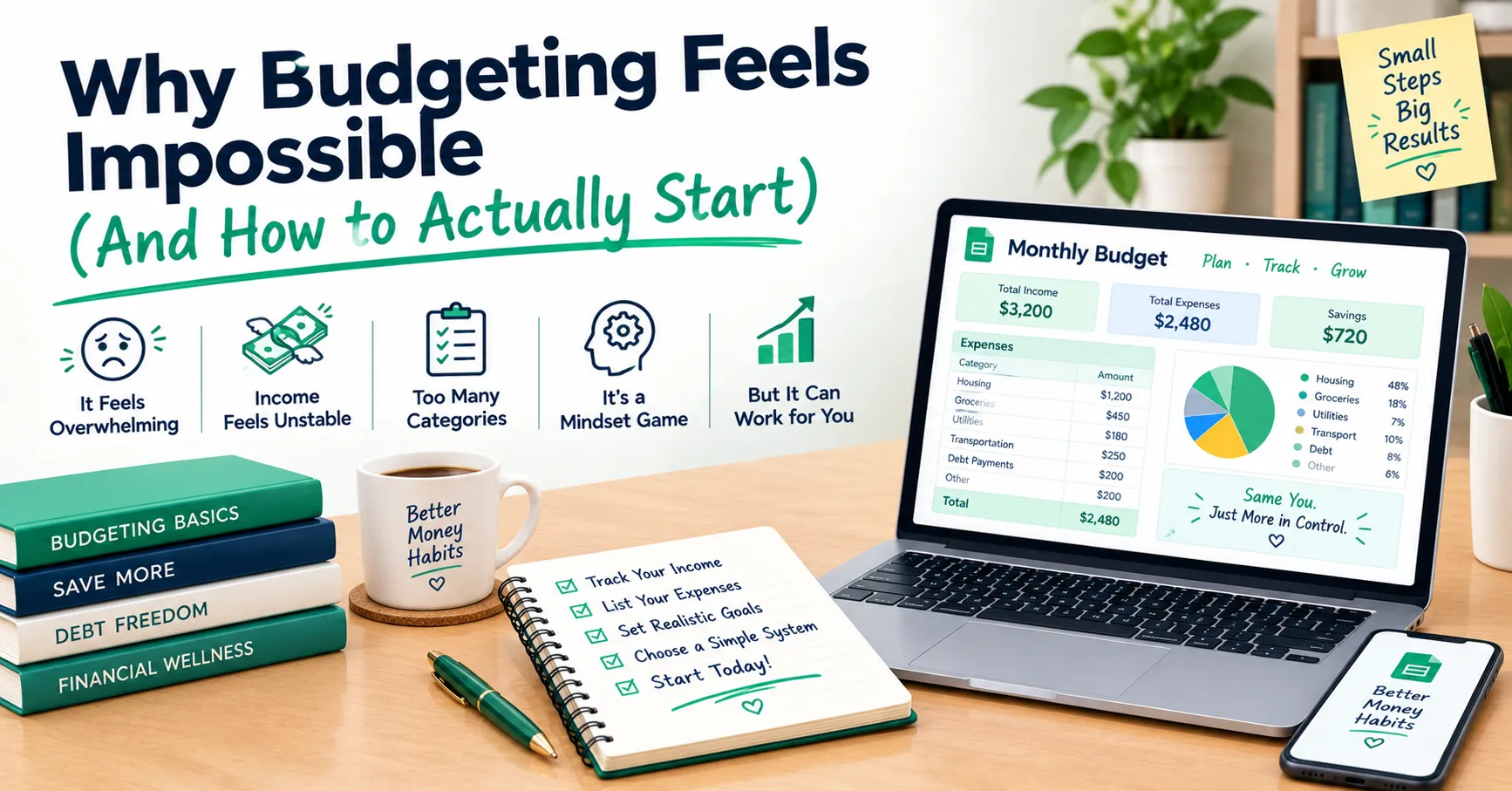
If you’re still wrestling with the “why can’t I just start?” feeling, you’re not alone. Our post on why budgeting feels impossible (and how to actually start) is a gentle place to begin.
You Can Do This
A zero-based budget isn’t about perfection, and you’re going to miss the mark some months. That’s normal, not failure. What it gives you is something most people never get with their money: a plan you made on purpose, instead of one you discovered by accident after the fact.
You don’t need a perfect budget today. You need a first draft. Here’s your simplest path:
- Grab your last two or three statements so you’re working with real numbers.
- Open the Zero-Based Budget Template, make your copy, and fill in income and expenses until Remaining Balance hits $0.
- Log your actual spending for one month and review the Difference column. That’s all it takes to start learning.
And if you want more tools like this showing up in your inbox, join the SheetsWell email list. No hype, no noise, just what’s genuinely helped me and a lot of other people take control of their cash.
Clear your debt. Master your cash. One budget at a time.